Connecting to Tailscale
Introduction
Many services I run require a safe and secure connection between you, the user, and the server running the service. To facilitate this, I use a great piece of software called Tailscale.
It allows our devices to connect via the the internet, even if we are physically far apart, and even if services are running inside an isolated machine on my or your home network.
Check if you have Tailscale
If your device is running Windows, you can check your taskbar tray to see if Tailscale is already running:


Installing Tailscale
Only follow these steps if you do not already have Tailscale installed.
Head over to the Tailscale download page and follow the instructions: https://tailscale.com/download
Log in to Tailscale
You do not need an account. You will be connecting to my tailnet using an authentication key.
A Tailscale authentication key looks like this:
tskey-auth-k5MukmtKx621CNTRL-Te6eVCugAb9gdj27hJqYY9RNRdRcQcN11. Get an authentication key
If I have not already provided you with an authentication key, contact me.
2. Open a command prompt or terminal
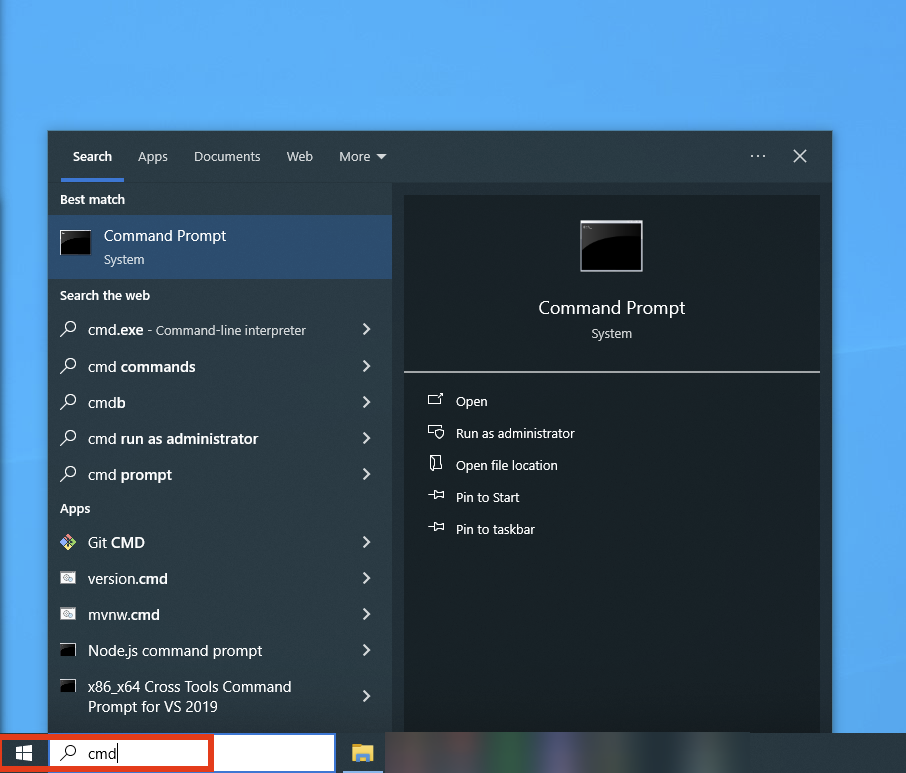
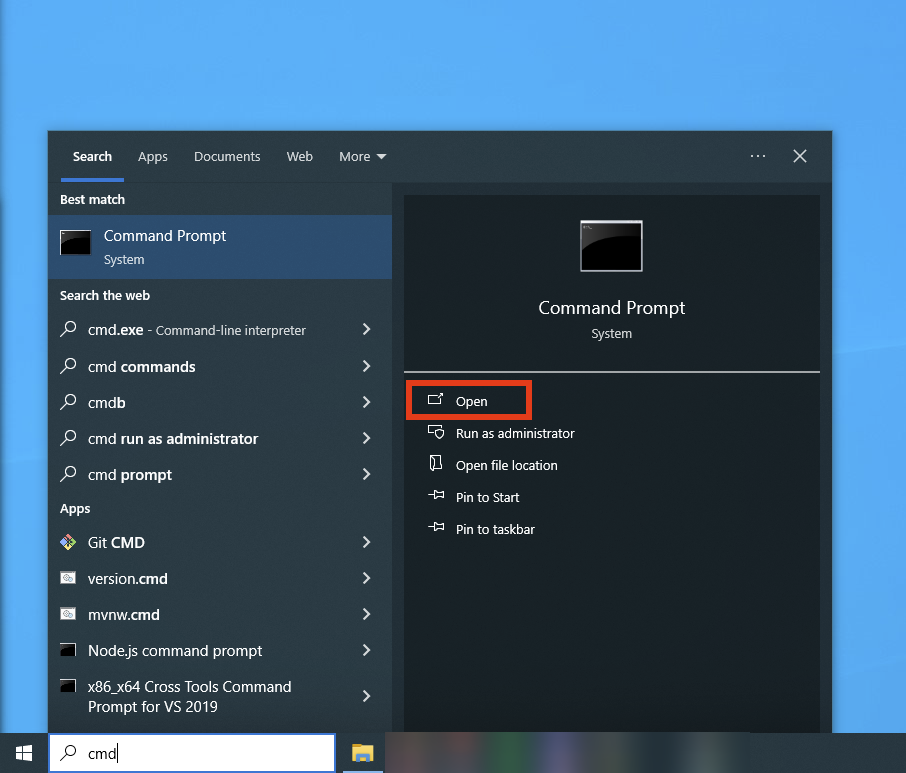
Open the WIndows search menu and type in: cmd